Skip to content
  • There are no suggestions because the search field is empty.

How to upload attachment to an Opportunity

Adding Photos and Files to an opportunity

1. From the navigational bar, click on CRM followed by Pipeline

2. Click on the opportunity record
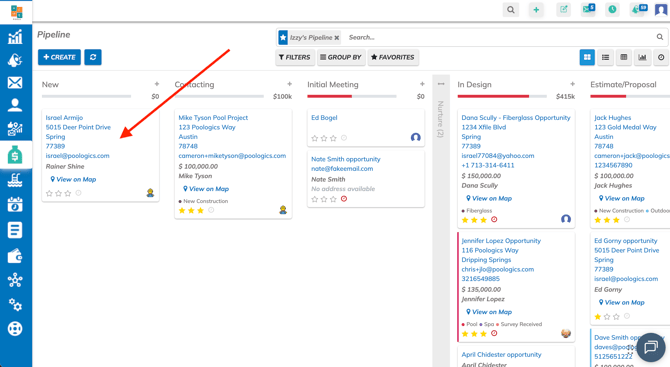
Screenshot 2026-05-15 at 14.07.19

3. Scroll down to the Chatter and click on Attachments
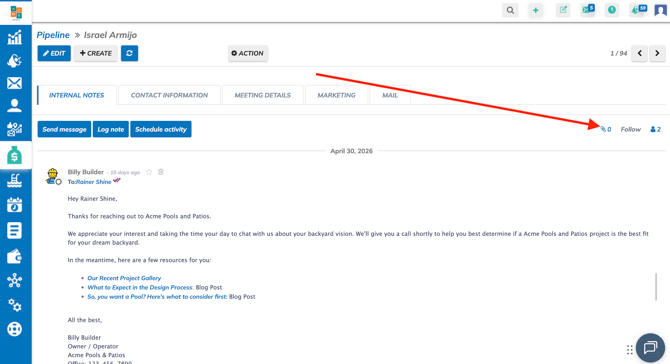
Screenshot 2026-05-15 at 14.14.49

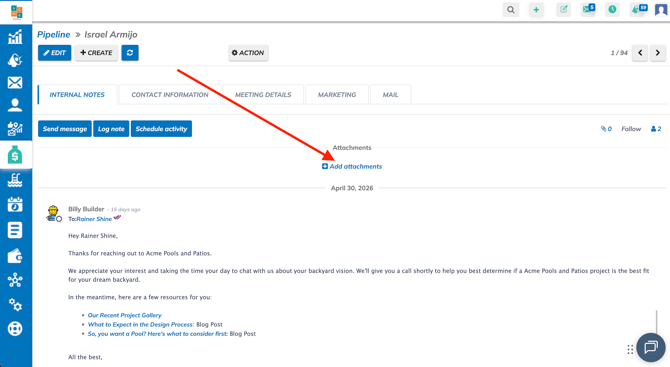
4. Click on +Add Attachments

Screenshot 2026-05-15 at 14.16.25

5. Select attachments from File Manager and click on on Open

***Note: You can upload multiple attachments***
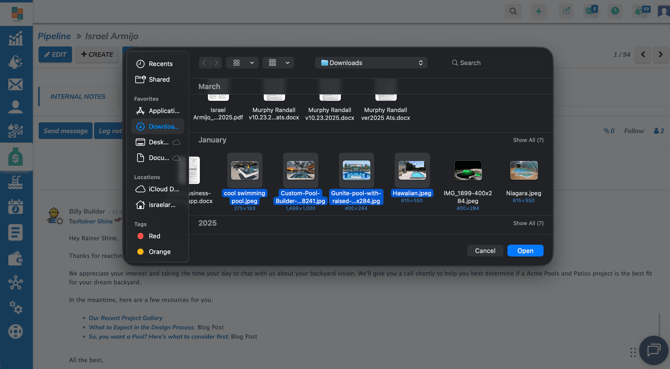
Screenshot 2026-05-15 at 14.19.21

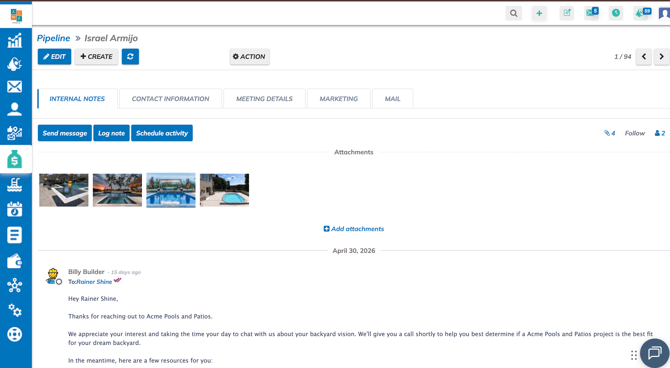
6. Uploaded Attachments

Screenshot 2026-05-15 at 14.21.34