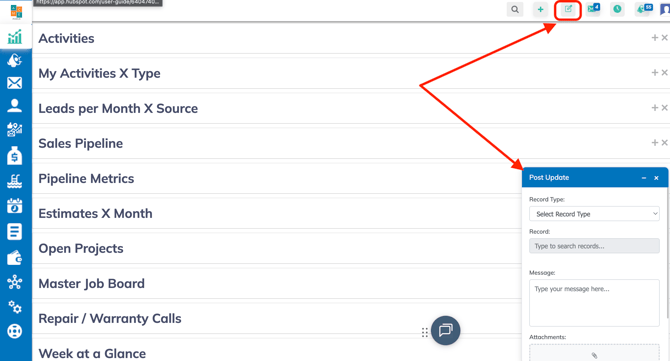
1. Click on Post Update icon
**The Post Update window will appear
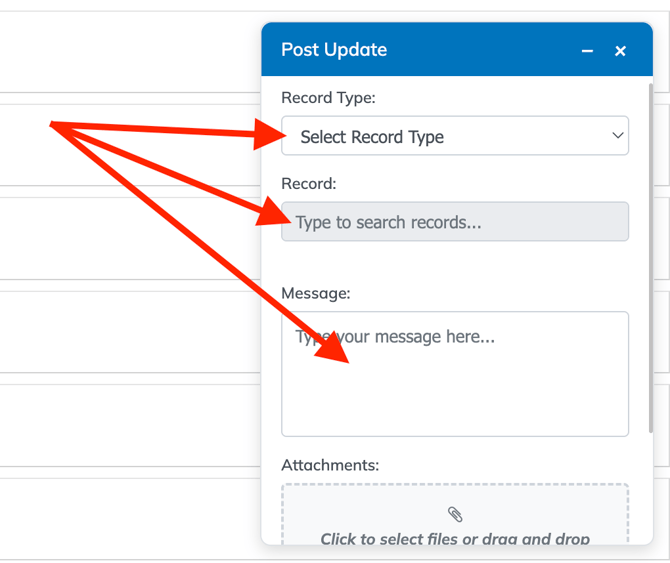
2. Select a Record Type **Options: Lead/Opportunity, Project or Task
3. Select the Record
4. Optional: Type in a message you can also ping someone by typing the "@" symbol
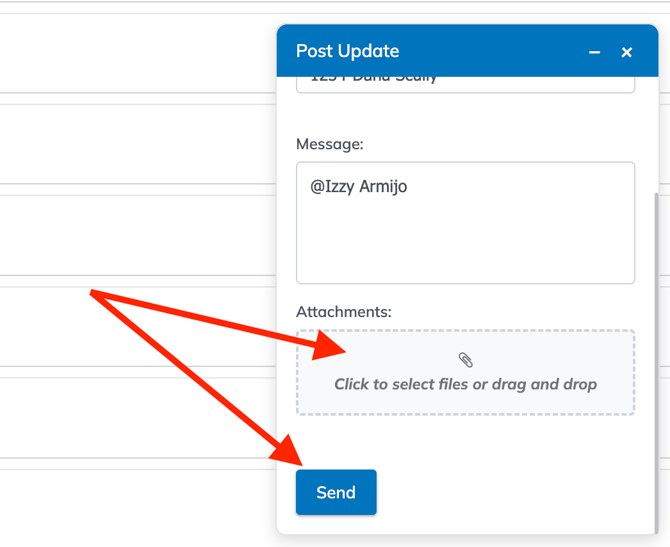
5. Scroll down in the Post Update Window
6. Click inside Attachments box, your file manager will pop up.
7. Select attachments
8. Click on Send