Go to your projects tab, and select the project you want to make a change to the invoices.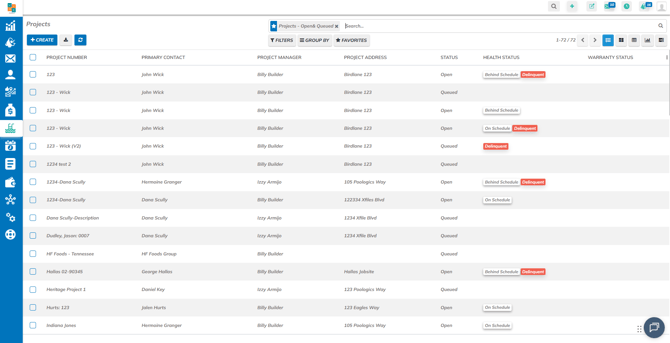
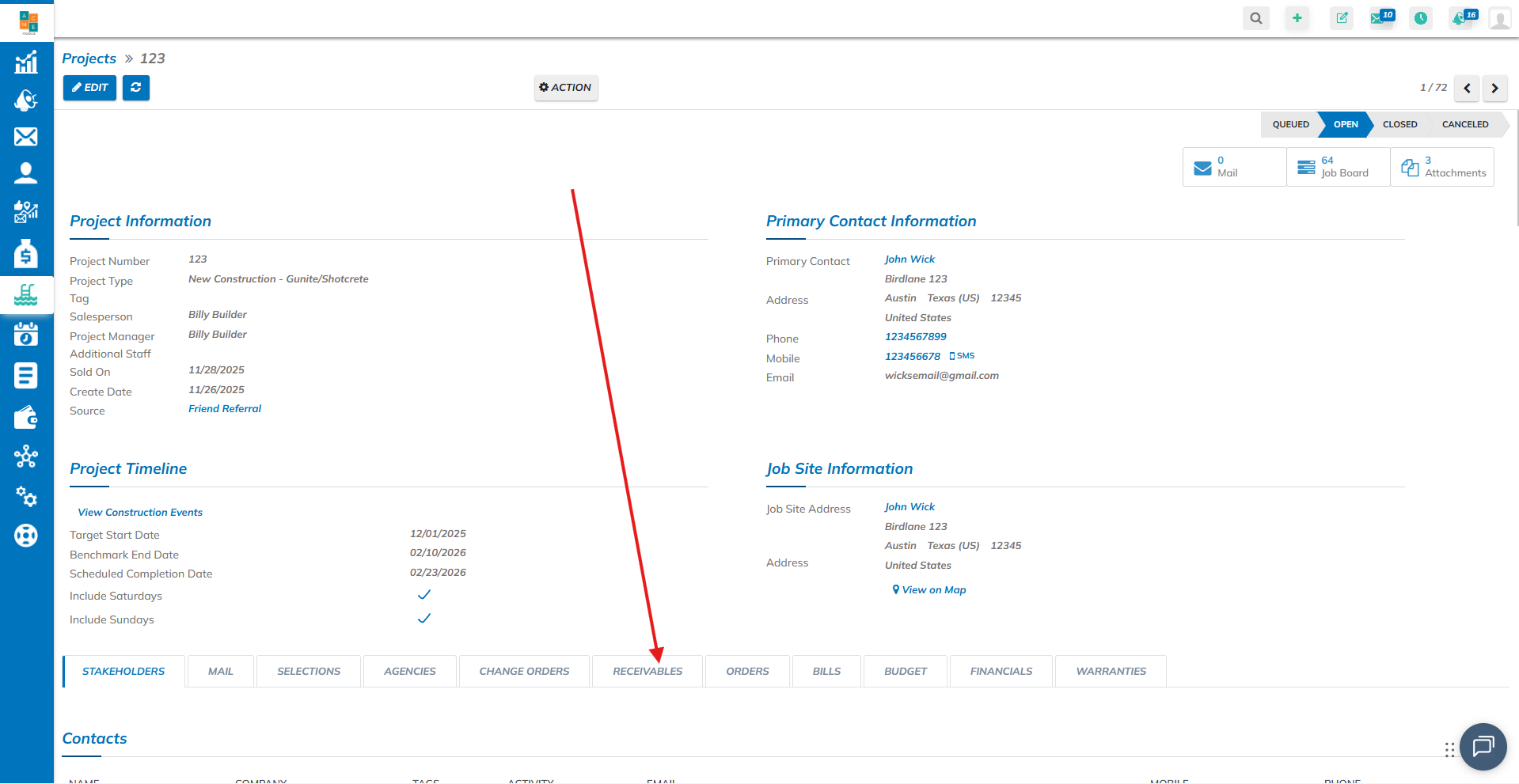
Go to the "Receivables" tab
Click on the specific invoice you would like to make a change to.
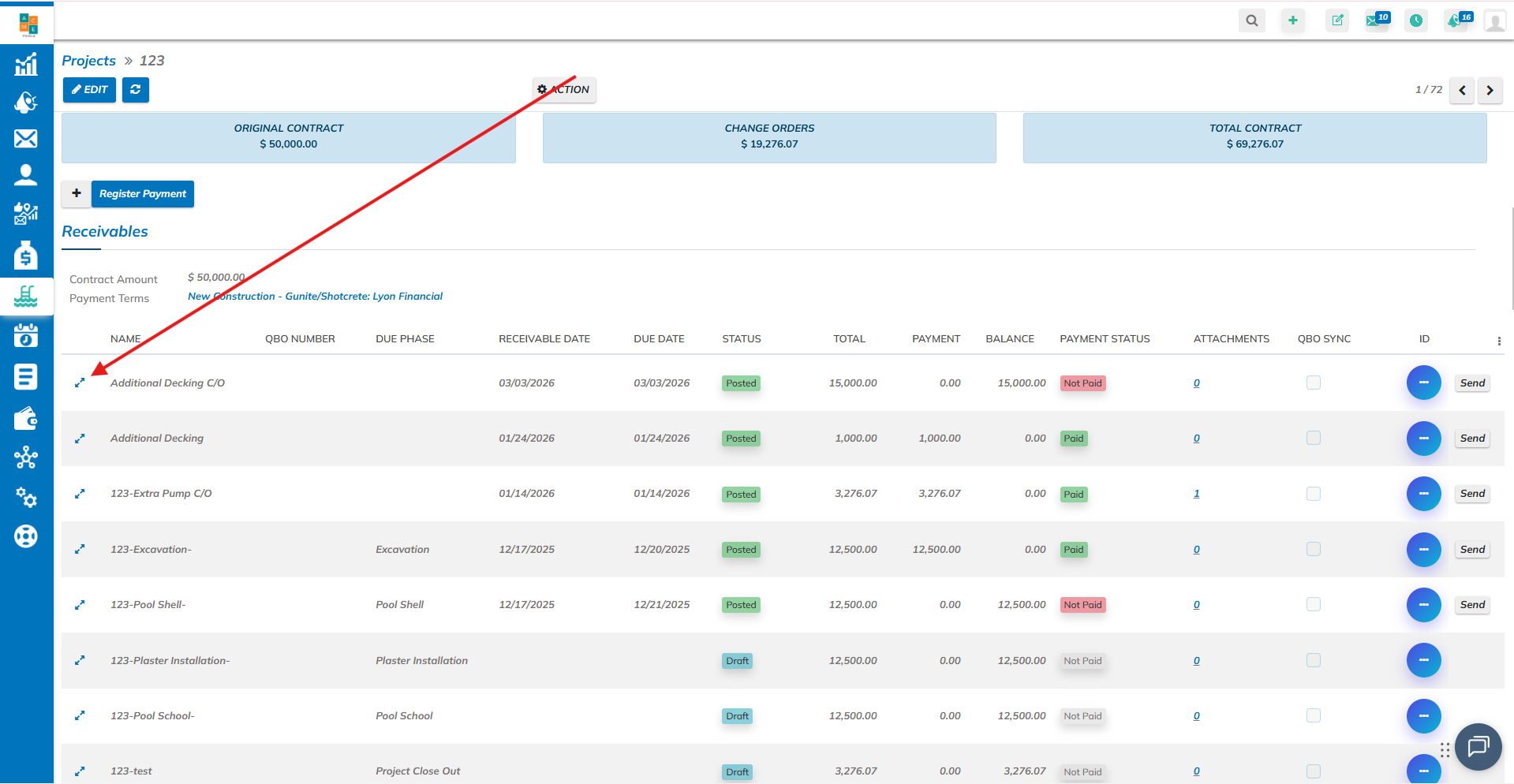
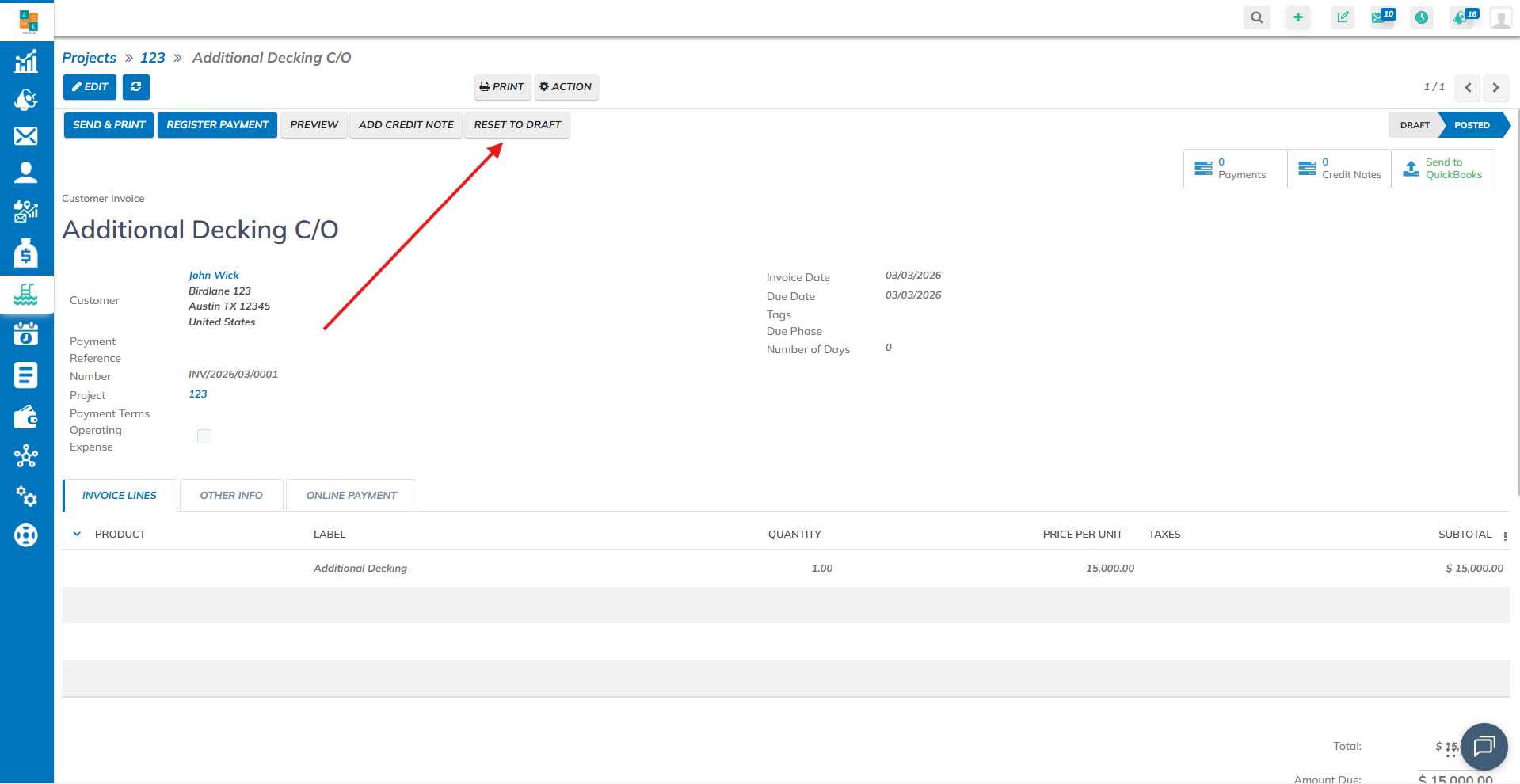
Make sure the invoice is in "Draft", if so, click on "Edit", if it's not, click on "Reset to draft", and then click on "Edit".
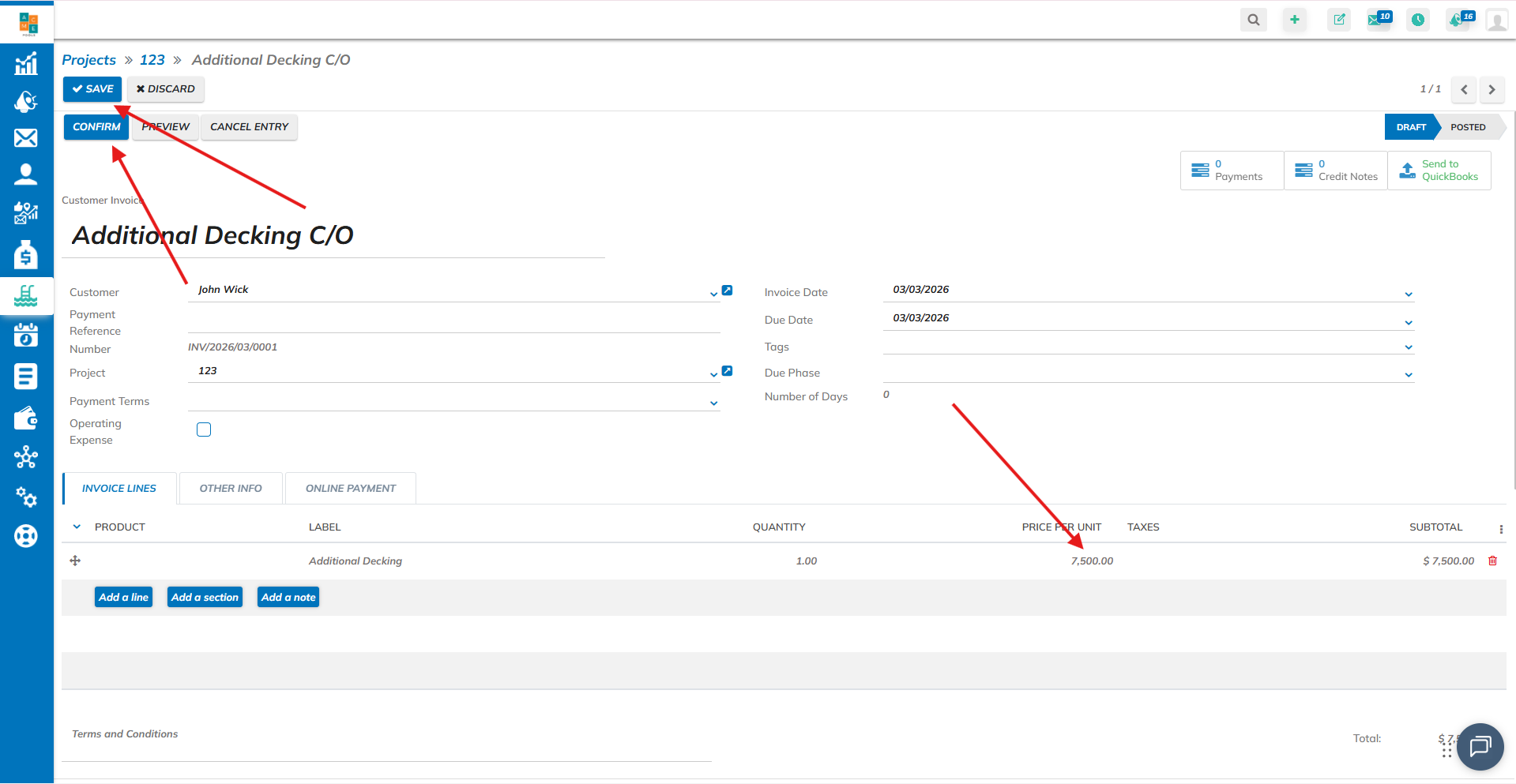
When you already clicked on "Edit", click on the "Price per unit" amount.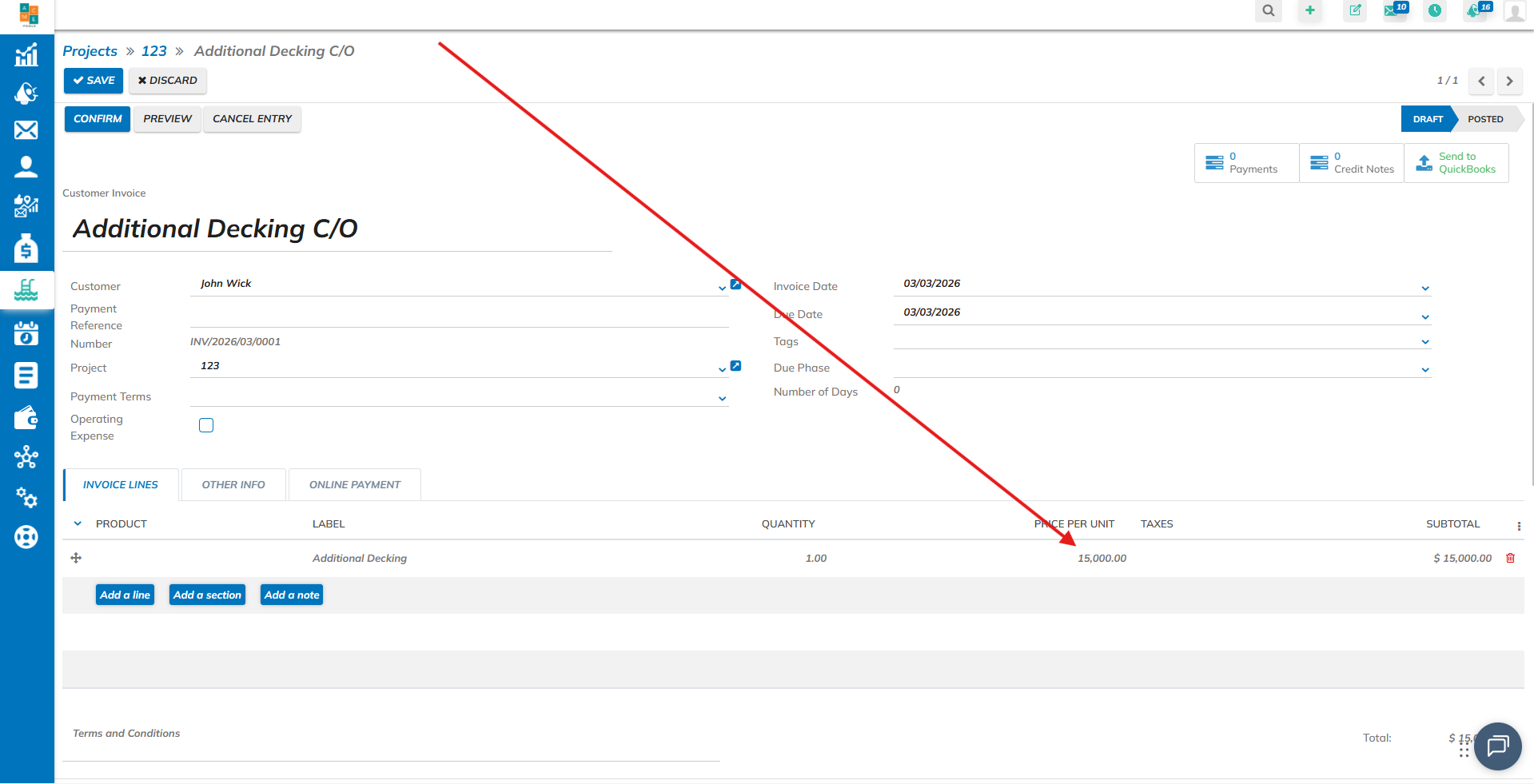
And modify it to the new amount. Click on "Confirm" to post the payment, and then click "Save".