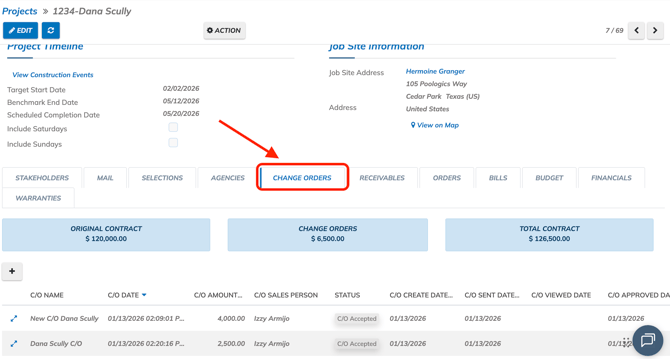
To create a receivable for a change order, head over to your project's and scroll down click on "Change Order" tab.
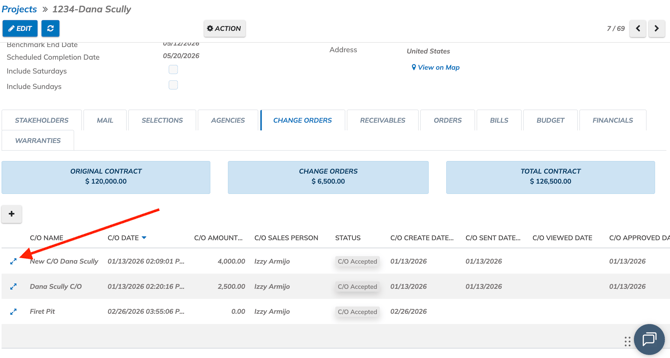
Click on diagonal arrow to open Change order.
Note: Change order must me marked as accepted by the costumer or user.
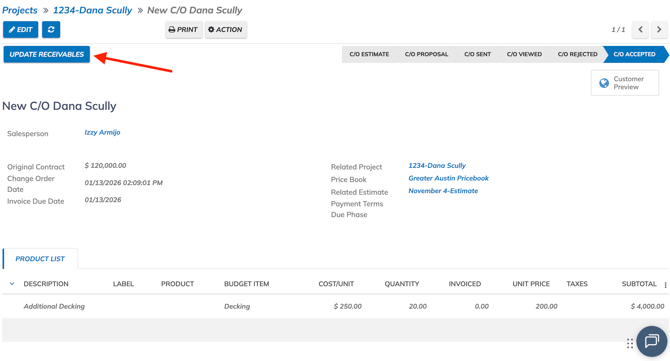
Click on Update Receivables
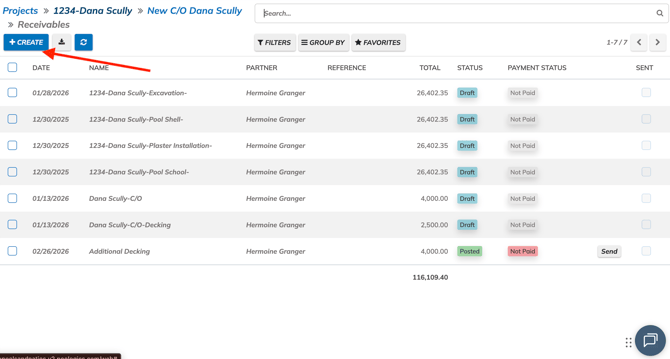
You will then be navigated to the Receivables. You can add the change order to an existing receivable. Click on Create to make a new recievable.
Name the change or and set the invoice date. Click on Save. 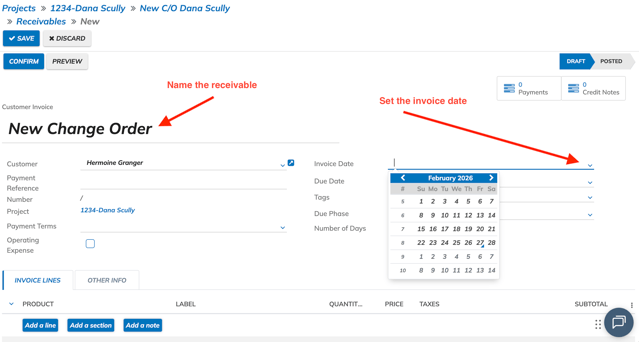
Click on Add Change Order.
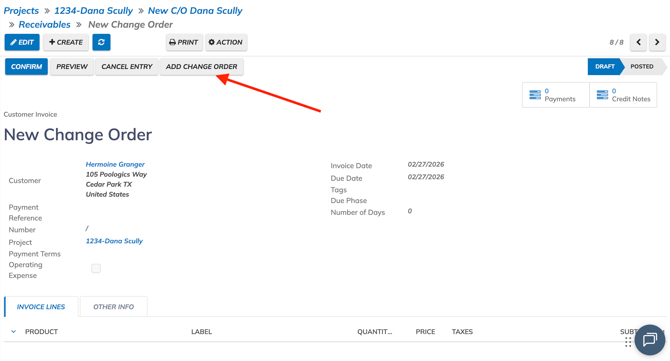
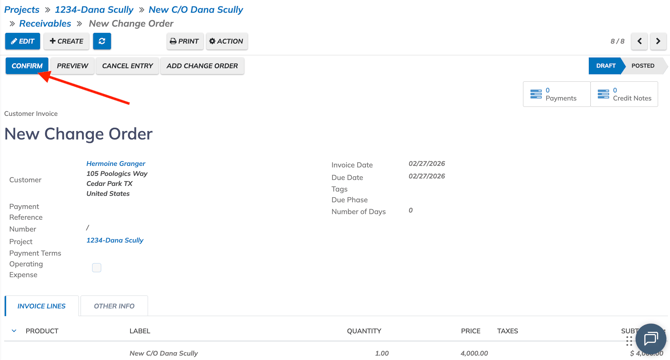
The existing change order will now be added the receivable. Click on Confirm to post the receivable.