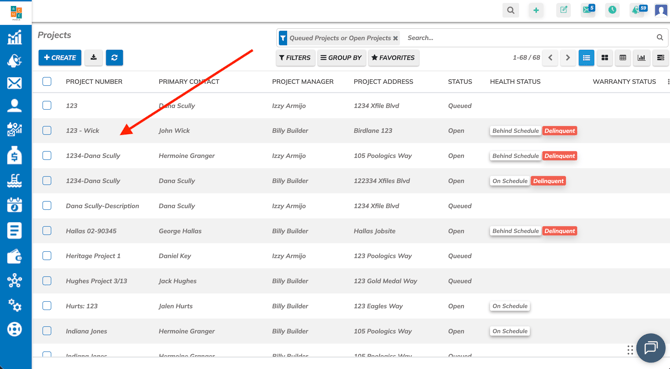
1. Navigate to Projects and select a job
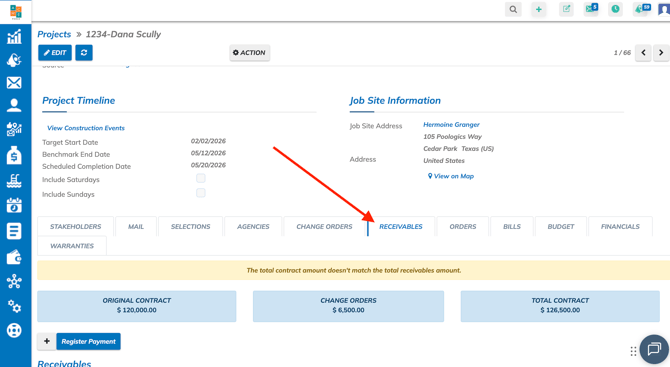
2. Scroll down and click on Receivables
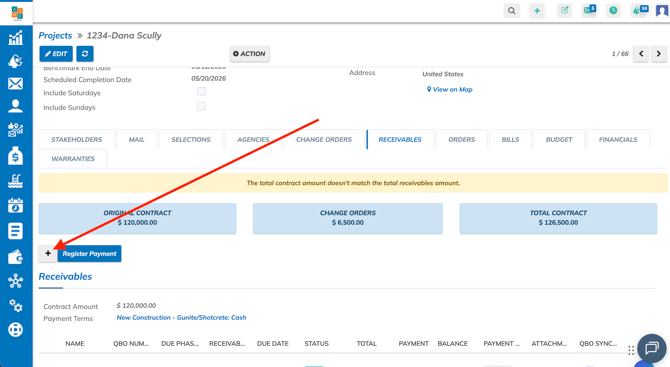
3. Click on on +
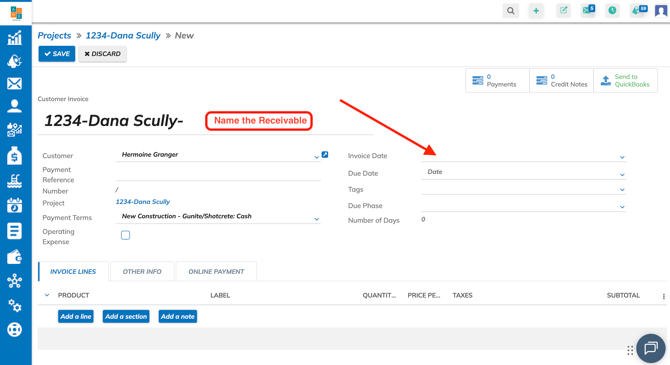
4. Update the Receivable name (not required) and select and invoice date
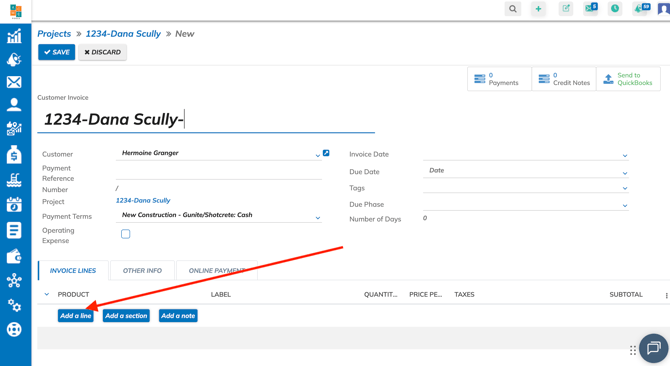
5. Click on Add Line
6. Select a product if refunding to a specific item, type in a Label, enter Quantity and type in a -negative Price Per Unit. Click outside of the Invoice Line to save
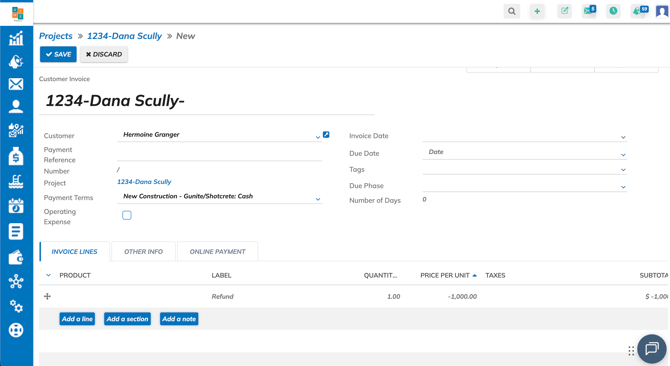
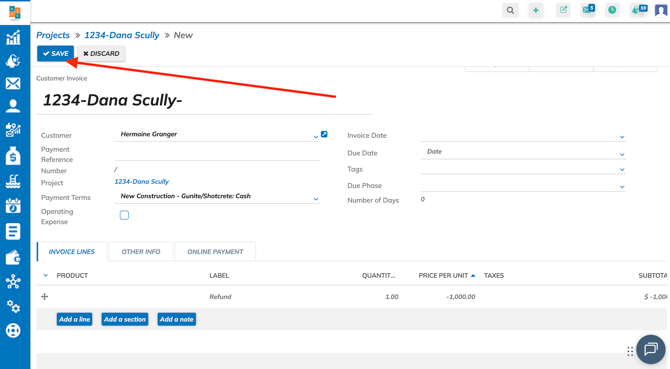
7. Click on Save